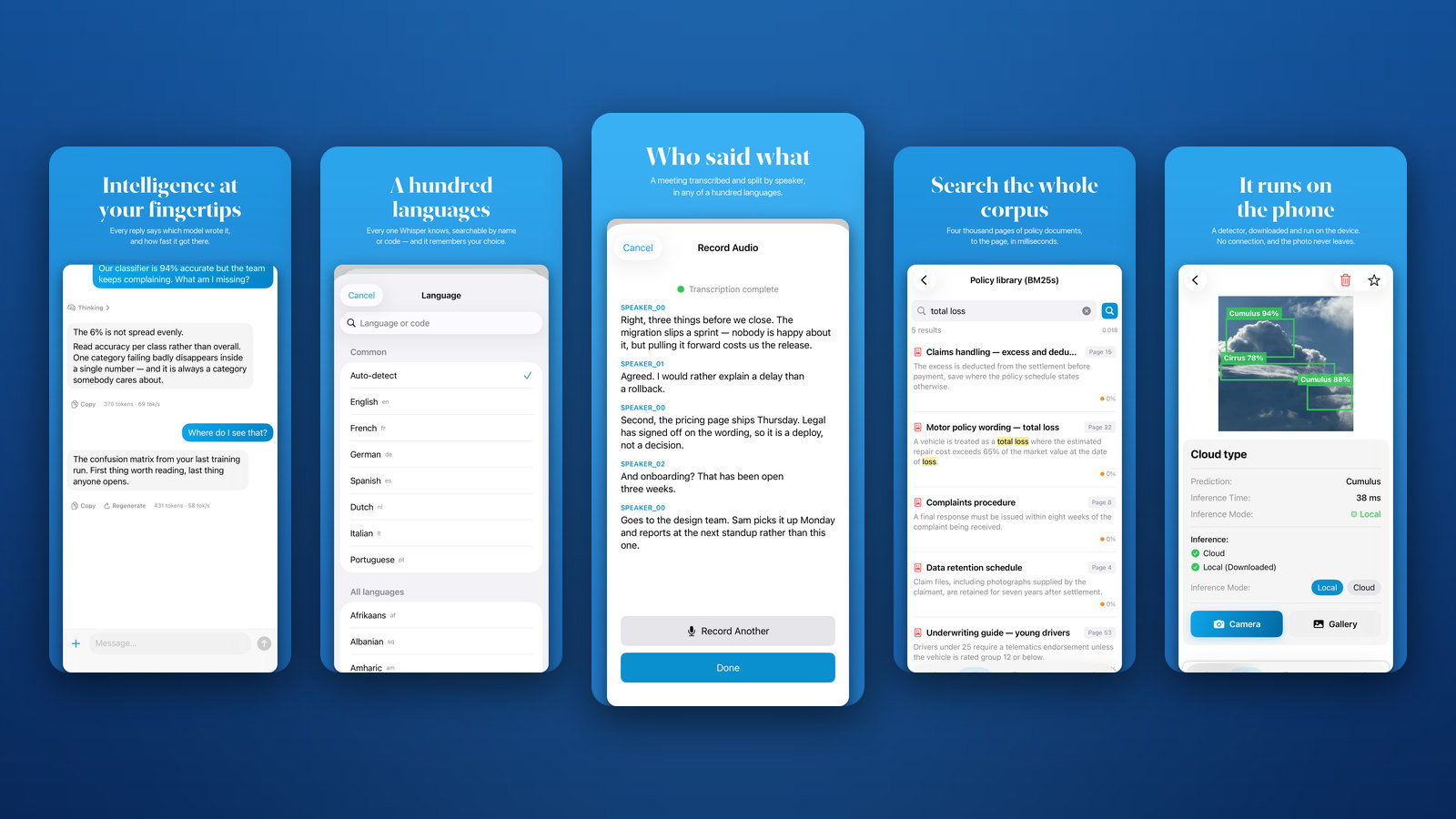
Version 2.2 of the SeeMe.ai app is live on the App Store, free for iPhone and iPad.
If you haven’t come across it yet: the app is SeeMe.ai in your pocket. Sign in and everything your organization runs on the platform comes with you: the open models we host on our own machines in Belgium, the models your team trained, the workflows you built, and your datasets.
This release is mostly about two things: transcription, and chat.
What’s new in 2.2
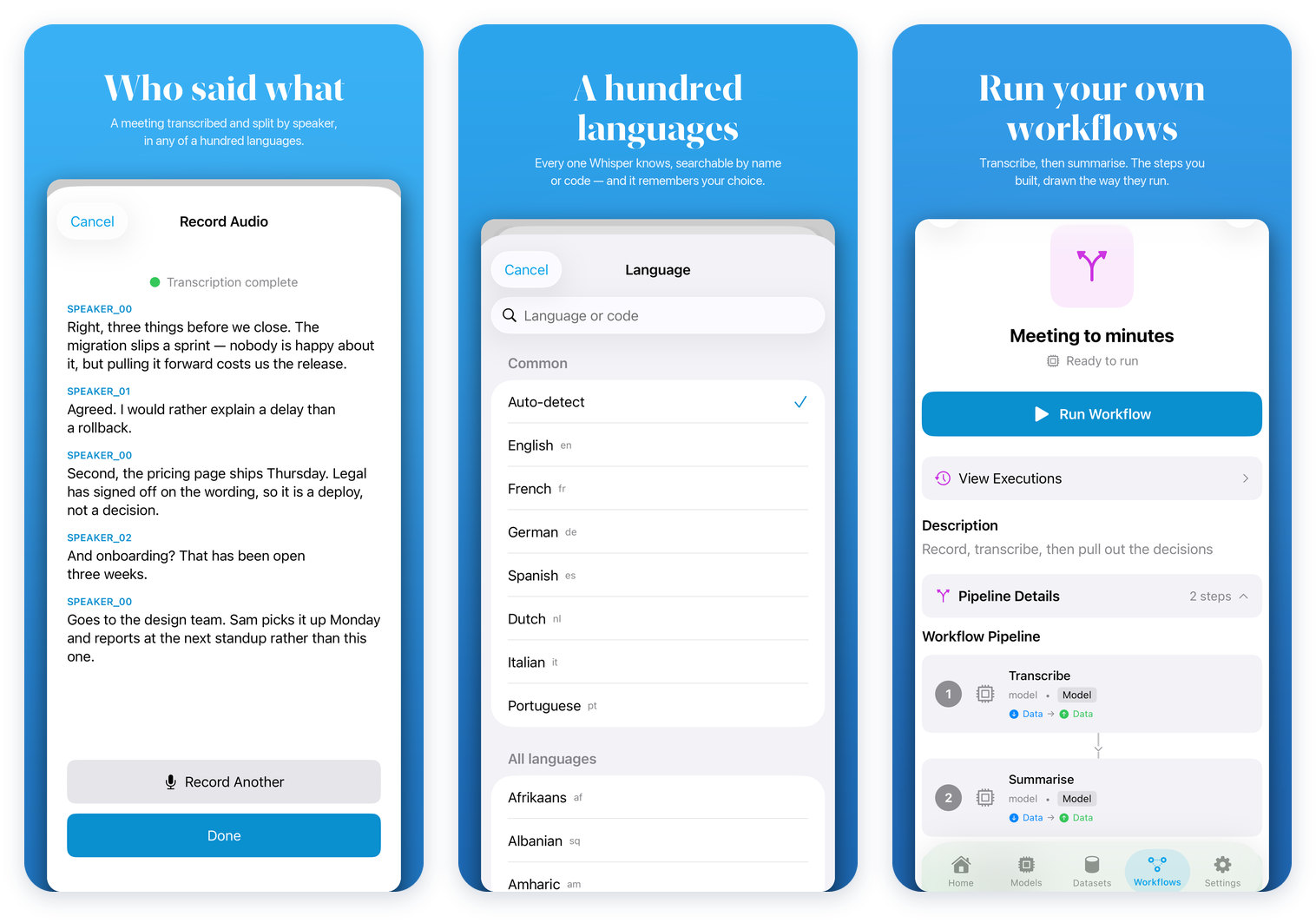
Every language Whisper knows
Transcription used to offer seven languages. It now offers all 100 that Whisper supports, searchable by name or by code, with the common ones still one tap away. Pick a language for a model once, and it opens on that language next time.
Who said what
Transcripts now come back split by speaker instead of as one block of text. Record a meeting on your phone or upload a file, and you get back who said what.
And because a transcription model is a model like any other, it can be one step in a workflow you build on SeeMe.ai: transcribe the meeting, then summarize it, and start the whole thing from your phone.
One conversation, any model
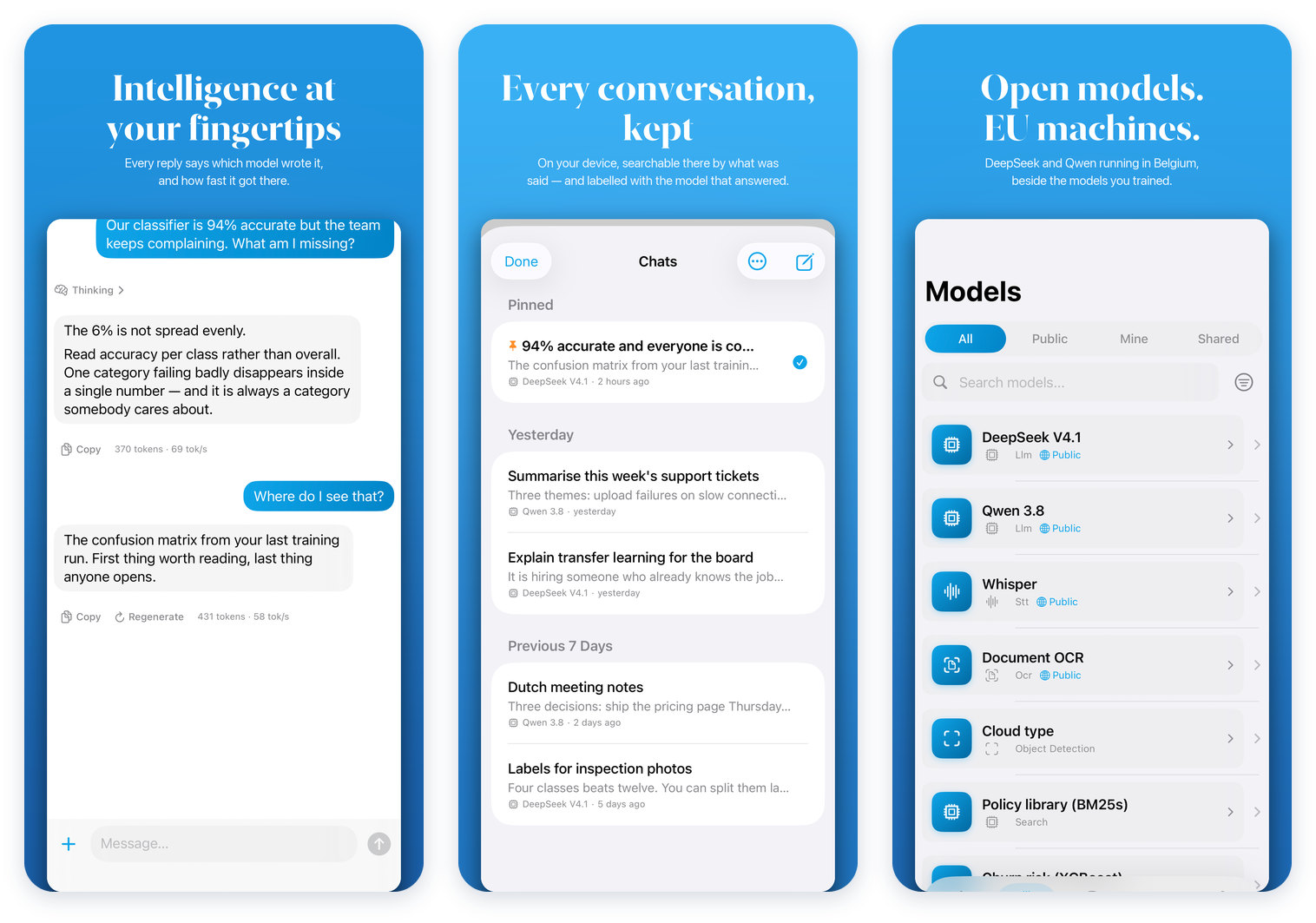
Switching models in the middle of a chat used to start a new conversation. Now the conversation comes with you, so you can put the same question to an open model and to your own fine-tune without retyping it. Every reply is labeled with the model that wrote it and how long it took.
Search what was said
Chat search used to match conversation titles only. It now searches what was actually said, and shows you the line that matched.
Reasoning models, tidied up
When a reasoning model works through a problem, its working-out no longer arrives as part of the answer. It goes behind a collapsed Thinking section, so the answer is just the answer.
Your chats, on every device
Conversations sync with the SeeMe.ai web app, so something you started at your desk carries on from your phone. Anything you write without a signal goes up when you reconnect.
And the rest
- A better model switcher: searchable, with the models you’ve been using at the top.
- A proper launch screen. The app used to open on a blank white one.
- Signing in now works on smaller phones.
- A long list of fixes to offline queueing and downloads.
More than the models that talk
If you’re new to the app, chat is only the start. The models list is everything your organization serves on SeeMe.ai: language and vision models, speech to text, OCR, image classification and object detection, tabular models and search. Open models and the ones you trained yourself sit side by side in the same list.
That makes the app useful well beyond a conversation:
- Run the workflows you built. A workflow chains models into a single job. Start one from your phone, see the pipeline drawn the way it actually runs, and open any past run to read what it produced.
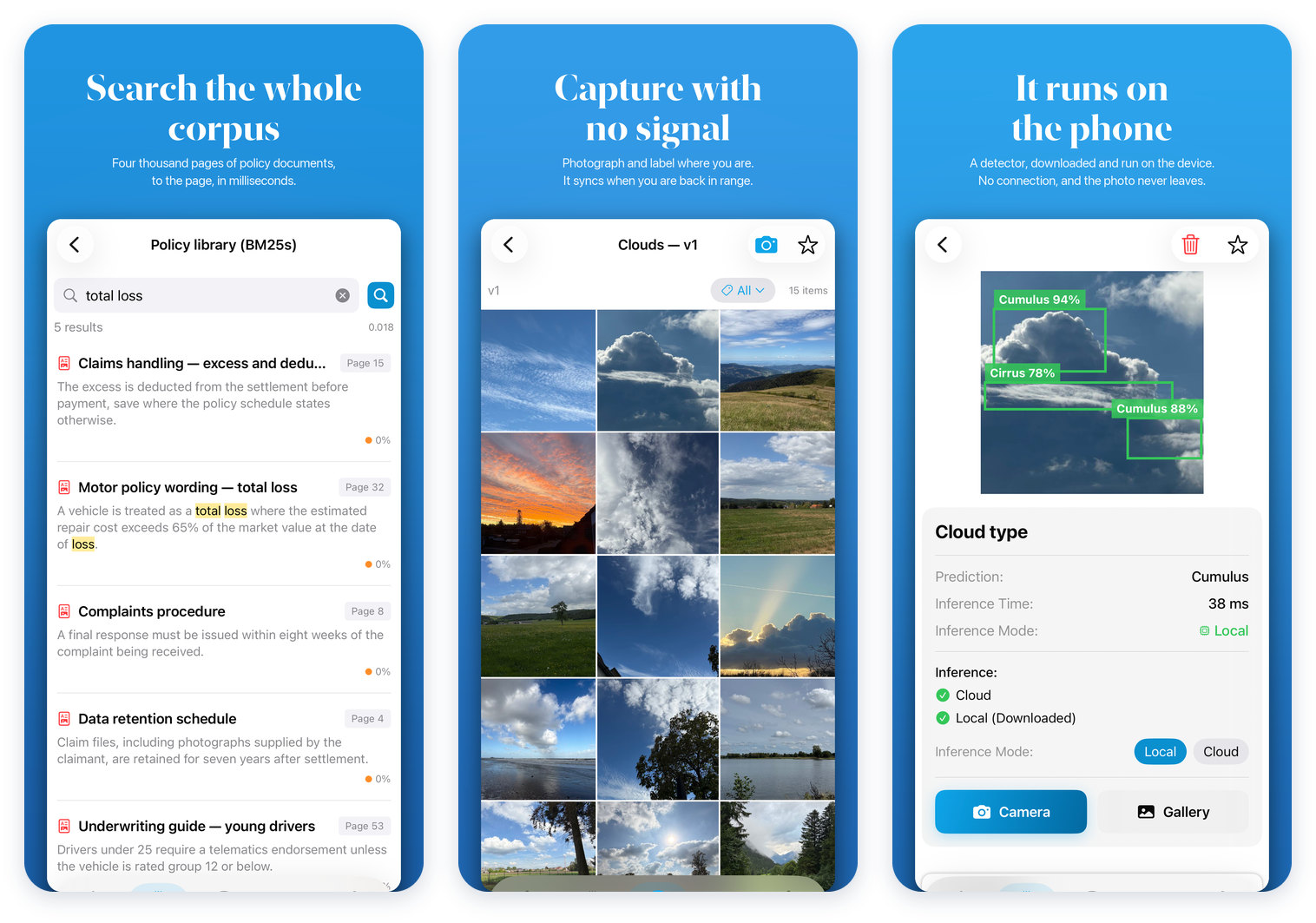
- Search your own documents. Not just your chats: thousands of pages of your organization’s documents, searched down to the page and paragraph.
- Capture and label in the field. Photograph straight into a dataset and label it where you’re standing. Nothing waits for a connection: captures, inference and workflow runs queue on the device and go up when you’re back in range.
- Run models on the phone itself. Download an image classifier or an object detector and it runs on the device, in Core ML. No connection, no round trip, and the photo never leaves your hand.
Private from the ground up
The open models in the app, DeepSeek, Qwen and Whisper among them, run on machines we own and control in Belgium. The models you trained sit right beside them. And if your data can’t leave your own walls, the whole platform runs on your hardware instead, private or on premise.
Your data stays where you put it.
Get it
SeeMe.ai is free on the App Store for iPhone and iPad (iOS and iPadOS 17.6 or later). Sign in with your SeeMe.ai account, or create one in the app.
Want it for your whole organization, with your own models and workflows? Book a demo and we’ll show you around.
If the app earns it, a rating on the App Store helps other people find it. And tell us what you’d like to see next at contact@seeme.ai.
Own your AI. Own your future.